
Certified Language Techs
Upload Documents
Please read before uploading / Lee antes de subir
Please make sure to carefully follow the instructions provided. Not doing so may result in your application being automatically rejected.
Document Guidelines / Guía de Documentos
Cédula / ID / Cédula o Pasaporte
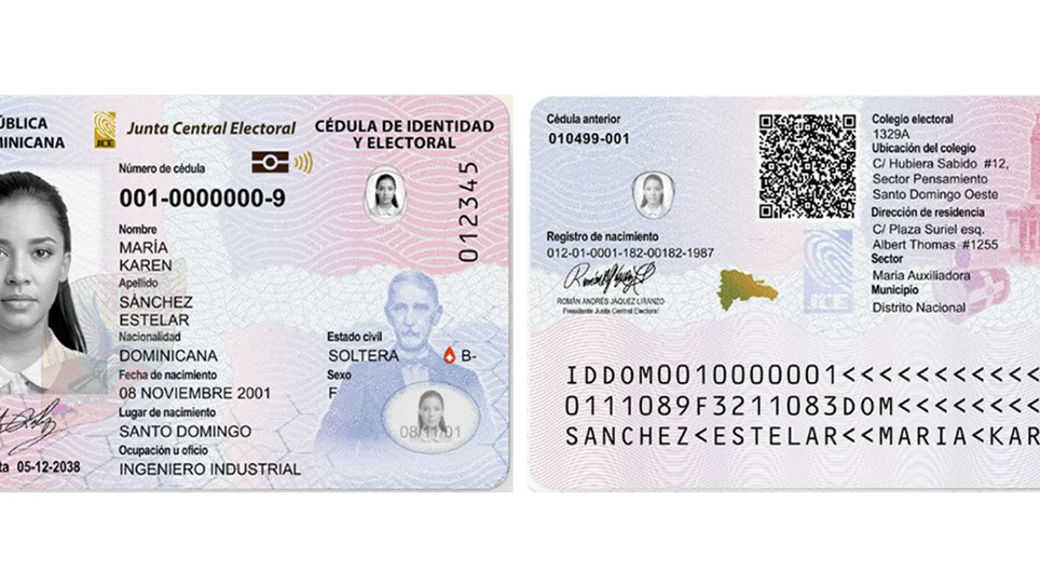
✅ DO — Scanned flat copy / Copia escaneada plana
Submit a clear, flat scan of both sides of your Dominican ID or passport. All text and photo must be fully visible.
Envía un escaneo claro y plano de ambos lados de tu cédula dominicana o pasaporte. Todo el texto y la foto deben verse completos.
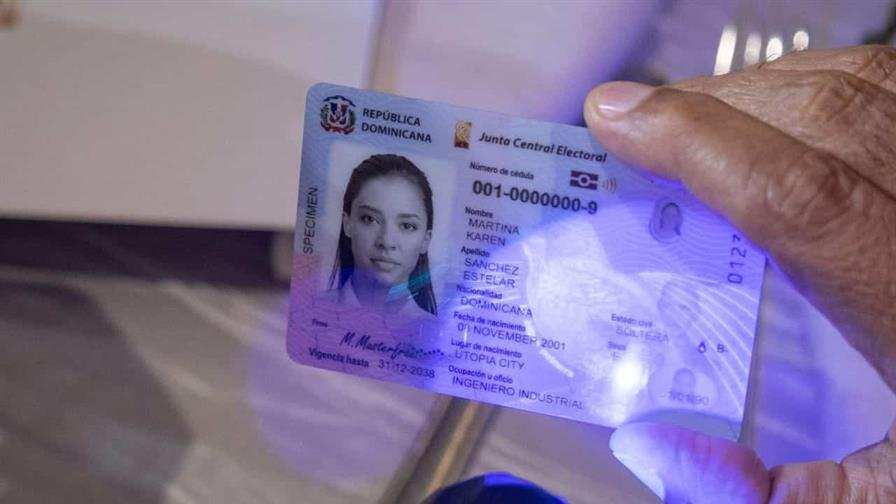
❌ DON'T — Photo held in hand / Foto sostenida en la mano
Do not submit a photo of your ID being held, taken at an angle, or under UV light.
No envíes una foto de tu cédula sostenida en la mano, tomada en ángulo o bajo luz ultravioleta.
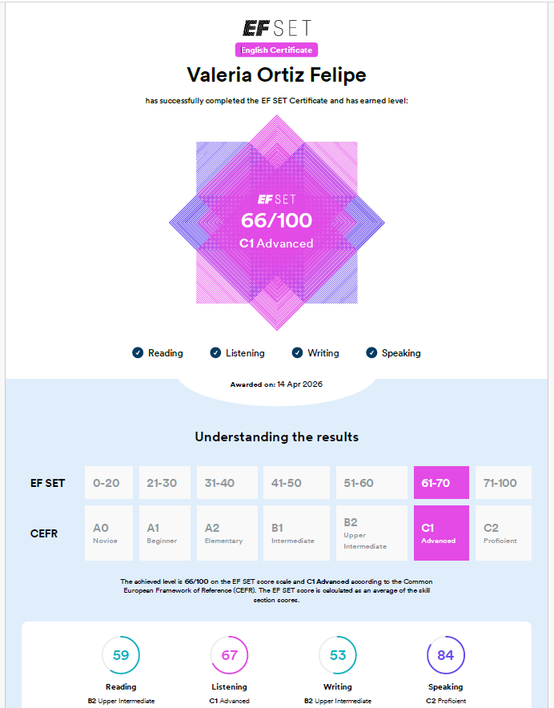
EF SET Certificate / Certificado EF SET
✅ DO — Official certificate / Certificado oficial
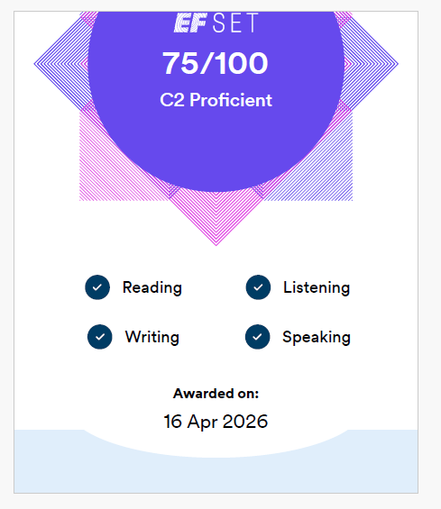
Submit your official EF SET certificate showing your full score (0–100) and CEFR level (A1–C2). Download the PDF from your EF SET account.
Envía tu certificado oficial EF SET con tu puntuación completa (0–100) y nivel MCER (A1–C2). Descarga el PDF desde tu cuenta EF SET.
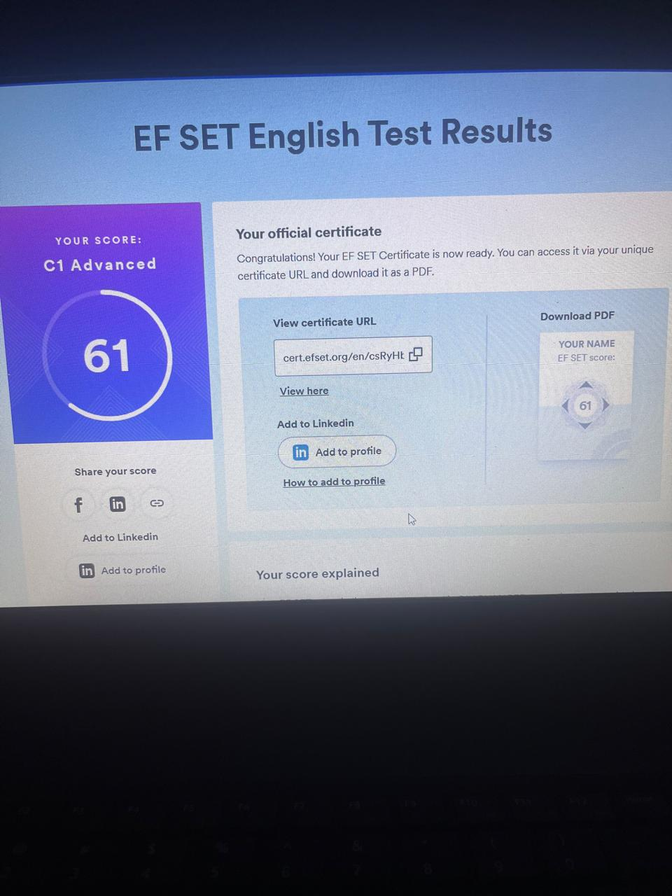
❌ DON'T — Score summary only / Solo el resumen de puntuación
Do not submit just the score dashboard or results page. We need the full official certificate PDF.
No envíes solo el panel de puntuación o la página de resultados. Necesitamos el PDF completo del certificado oficial.
CV / Resume / CV / Currículum
✅ DO — Clear, formatted PDF / PDF claro y con formato
Submit your CV as a PDF or Word document. Include your full name, contact information, work history, and education.
Envía tu CV en PDF o Word. Incluye tu nombre completo, información de contacto, experiencia laboral y educación.
❌ DON'T — Photos or unreadable formats / Fotos o formatos ilegibles
Do not submit a photo of a printed CV, a password-protected file, or a file in an unsupported format. Make sure the file can be opened and read.
No envíes una foto de un CV impreso, un archivo protegido con contraseña ni un formato no compatible. Asegúrate de que el archivo se pueda abrir y leer.
Your Application File Number / Tu Número de Expediente
Enter the file number you received by email (e.g. CLT-2026-0001) and the Cédula or Passport number you applied with. Ingresa el número de expediente que recibiste por correo y la cédula o pasaporte con que aplicaste.